This was my non-technical blog about being an independent Internet entrepreneur in the 21st century.
Personal productivity, mobility, business, marketing, web tools and some more…
I am “retired” now ;)
This was my non-technical blog about being an independent Internet entrepreneur in the 21st century.
Personal productivity, mobility, business, marketing, web tools and some more…
I am “retired” now ;)

12 posts
About blogging and web publishing...
19 posts
Focus on the right priorities. Get more done. With less effort. ...
25 posts
This sections was about following the advent of mobile devices in the 2000s… First came the mobile phones, then the PDAs, then the iPod, then the “photo phones” (yes that was a thing at some point), then the phones which could load 3rd party apps, then the blackberry, then the iPhone, then the iPod Touch, then the iPad and then everyone copied what apple did ;) ...
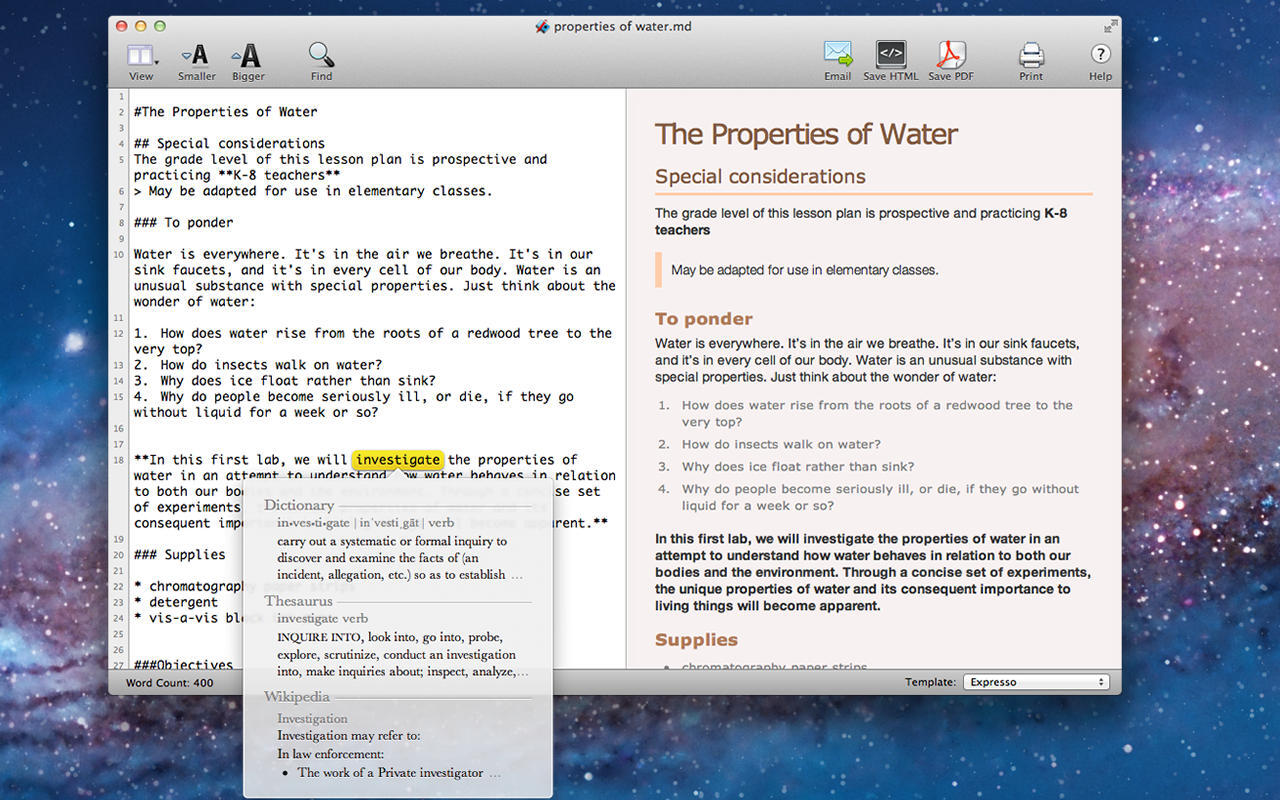
If you search on the Mac App Store, you will find dozens of Markdown note taking apps with a markdown pane on the left and a preview / reading pane on the right. Many of them also feature a sidebar on the left where you can "conveniently" browse your…...
I've been explaining this to people over and over again and I reached the point where I just want to point them to a web page to read through before we can talk some more about it :p So here it is, in a nutshell, the whole deal about Google and Faceboo…...
I just finished reading "the dip" by Seth Godin. I actually didn't really know what the book was about and I basically picked it up just because it was less than $10 and because I loved previous books by Seth Godin (no doubt he's one of the greatest…...

Interestingly enough I just stumbled upon an old IRC conversation where I was asking some PR questions to Robin "Roblimo" Mille, editor of NewsForge. It's pretty old (the file date says April 2004), but I thought it was still interesting... fplanque:…...
"Giving up the illusion that you can predict the future is a very liberating moment. All you can do is give yourself the capacity to respond... the creation of that capacity is the purpose of strategy." - Lord John Browne Chairman of BP

I've been laughing my ass out reading the report about Papa Hari's "Make Money Offline" seminar! Just a couple of quotes to give you an idea: "It was really cool, the way they taught us how to make money, like getting a job or starting a business,"…...

Tonight we came to the conclusion that there are actually five stages to mastering the art of marketing: Level 1: You don't know about marketing. You are a happy marketing target. Level 2: You understand marketing. You're starting to think you'd better…...